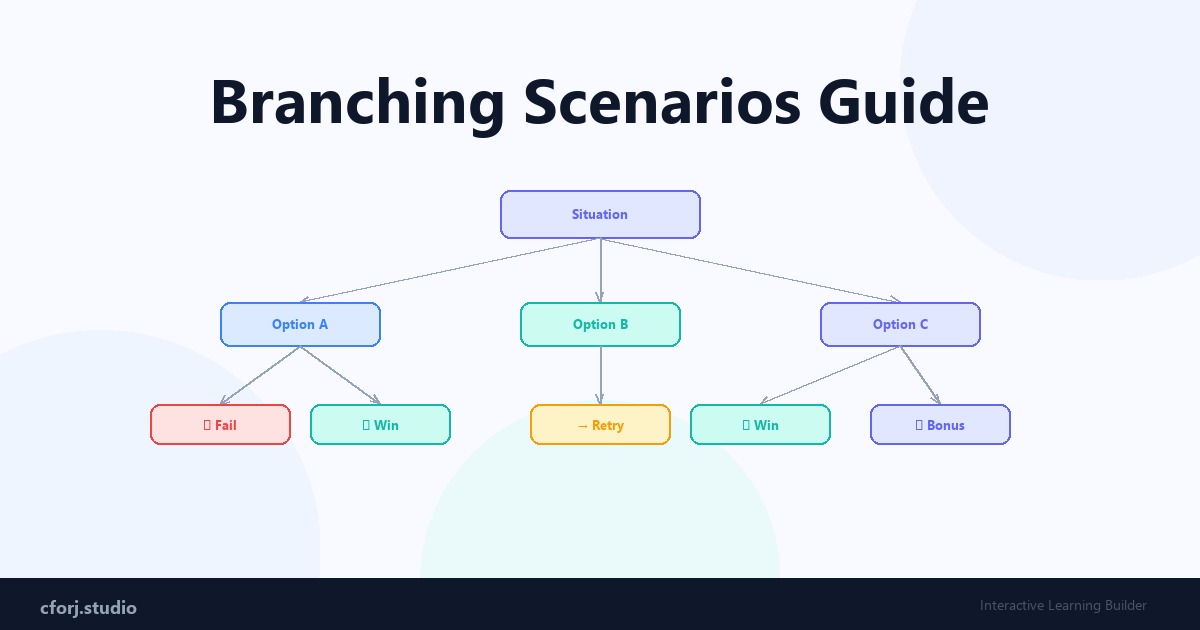
What is a branching scenario?
A branching scenario is: a learning experience where user decisions change the outcome.
Instead of a linear path, you get multiple paths with real consequences.
Why branching works
Because it:
Basic structure
1. Situation — context is set 2. Choice — user picks a response 3. Outcome — consequence is shown 4. Next step — story continues
Example: angry customer
Scenario: A customer is upset about a delayed order.
Choice:
Each leads to a different outcome — teaching the correct behavior through experience, not instruction.
Types of branching
1. Simple branching — a few key choices, clear outcomes. Great for beginners.
2. Complex branching — multiple paths, nuanced outcomes. For experienced designers.
3. Adaptive scenarios — path changes based on cumulative user behavior.
How to build branching scenarios
1. Define the situation 2. Identify the key decision points 3. Map out outcomes for each choice 4. Connect the flow in your tool
Common mistakes
Pro tip
Start simple: 3 choices → 3 outcomes. Add complexity only after the core story works.
Final insight
Branching scenarios are the closest thing to real experience in digital learning. They do not just transfer knowledge — they build judgment.
Build your first branching scenario in cforj in under 10 minutes.